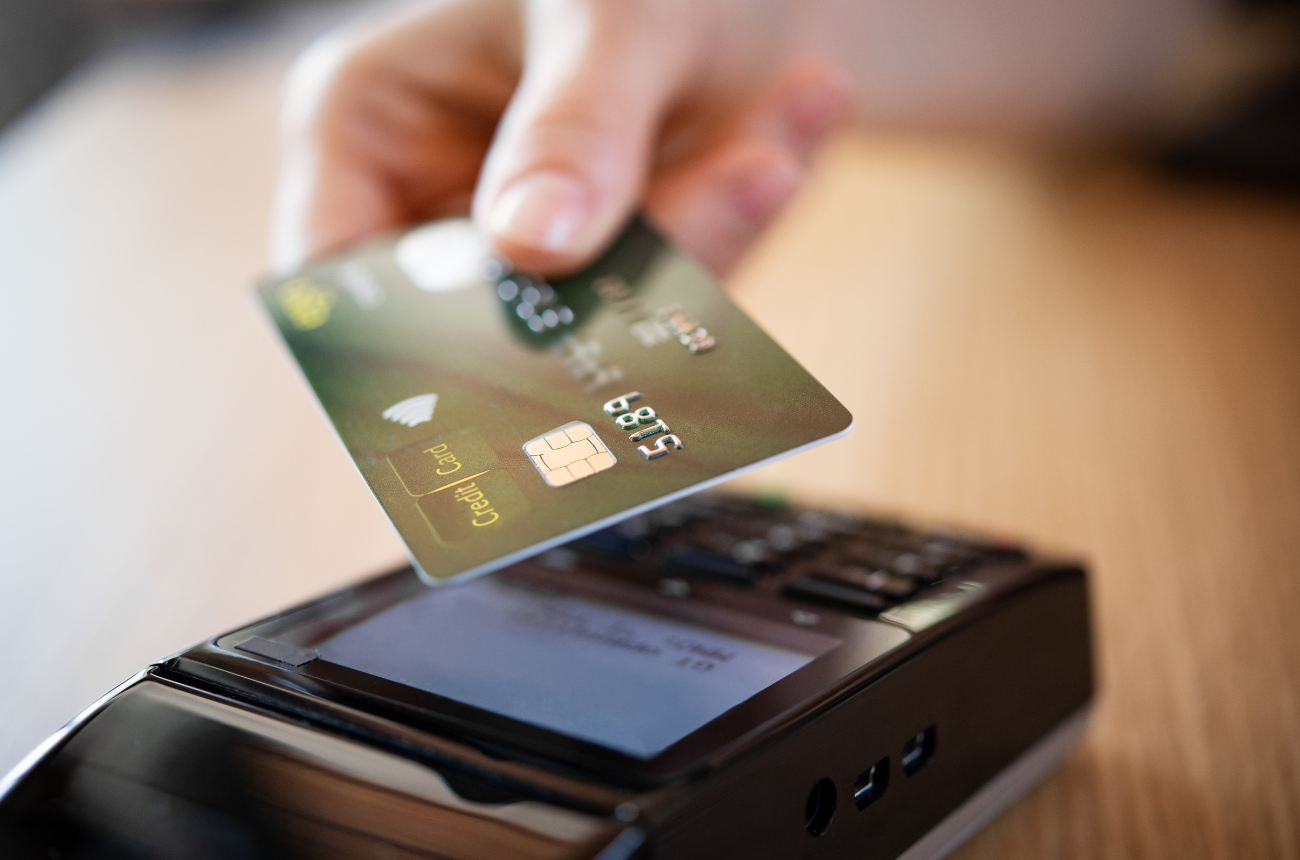
Many clinics decide to move away from insurance for one simple reason: the math stops working. Prior authorizations pile up. Claims get denied. Reimbursements arrive months later, if they arrive at all. Staff time disappears into billing follow-ups instead of patient care.
So practices pivot. They adopt a cash-pay model, direct primary care membership, or hybrid concierge structure.
But here’s the operational reality many clinics discover quickly: switching to a cash-pay model doesn’t automatically make workflows simpler.
If your Electronic Health Record (EHR) wasn’t built with non-insurance practices in mind, providers still end up fighting the system. Payment collection becomes manual. Package pricing lives in spreadsheets. Memberships are tracked outside the EHR. Financial reporting becomes murky.
The right EHR for cash-pay practices changes that. It turns the system into a tool that actually supports the business model instead of forcing workarounds.
This playbook walks through how clinics can set up their EHR to fully support a non-insurance model, from scheduling and payments to memberships, documentation, and financial visibility.
Why Cash-Pay Models Are Growing in Specialized Practices
Specialized healthcare practices have been leading the move toward cash-pay models for years.
Functional medicine providers often spend 60-90 minutes with a patient during an initial consultation. Integrative clinics combine nutrition, lifestyle medicine, and advanced diagnostics. Med spas offer elective services that insurance doesn’t cover.
Trying to fit these services into traditional reimbursement structures rarely works.
Cash-pay models offer several advantages:
- Predictable revenue
- Simplified billing
- Greater treatment flexibility
- Longer patient visits
- Reduced administrative burden
Direct Primary Care (DPC) practices rely on membership subscriptions. Functional medicine clinics bundle consultations with lab interpretation and care plans. Med spas sell treatment packages.
Each model depends heavily on efficient financial workflows. That’s where EHR configuration becomes critical. If payments, memberships, and services aren’t integrated into the EHR, clinics quickly end up with disconnected systems. And disconnected systems create operational headaches.
What an EHR for Cash-Pay Practices Should Actually Do
Many EHRs were originally built around insurance billing. Remove insurance from the equation and the system often becomes awkward to use.
A strong EHR for cash-pay practices should support:
- Transparent service pricing
- Upfront payment collection
- Membership or package management
- Integrated payment processing
- Financial reporting
- Efficient documentation
- Automated patient communication
The goal isn’t just storing patient records. The goal is running the entire practice from one system. When everything lives inside the EHR, clinics spend far less time managing workarounds.
Step 1: Configure Transparent Service Pricing
Cash-pay practices rely on clear pricing. Patients expect to know exactly what they’re paying before they schedule or arrive for a visit.
Inside the EHR, services should be configured with:
- Fixed visit prices
- Procedure fees
- Consultation rates
- Package pricing
- Add-on services
For example, a functional medicine clinic might configure:
- Initial consultation – $350
- Follow-up visit – $150
- Nutrition consultation – $120
- Lab review visit – $90
Med spas may include:
- Botox per unit
- Laser treatments
- Chemical peel packages
- Body contouring sessions
The key is standardizing services inside the EHR so scheduling, documentation, and payments connect automatically. Without that structure, front-desk staff often rely on manual price lists, which leads to billing inconsistencies.
Step 2: Enable Real-Time Payment Collection
Cash-pay practices work best when payment happens at the time of service. But surprisingly, many clinics still collect payments manually.
Staff may:
- Process payments on a separate terminal
- Record transactions later
- Reconcile payments at the end of the day
That approach creates unnecessary friction.
An EHR configured for cash-pay workflows should support:
- Integrated payment processing
- Card-on-file storage
- One-click checkout
- Payment links for telehealth visits
- Automated receipts
This dramatically reduces front-desk time. It also eliminates the common end-of-day question: "Did we collect payment for that visit?"
With integrated payments, the visit and transaction are tied together automatically.
Step 3: Build Membership and Package Workflows
Many non-insurance practices rely on recurring revenue models. Direct Primary Care practices operate on monthly memberships. Functional medicine clinics offer care packages. Med spas sell treatment bundles. Without EHR support, these models become difficult to manage. Clinics end up tracking memberships in spreadsheets or third-party tools.
A well-configured EHR for cash-pay practices should allow:
Membership Management
- Monthly or annual plans
- Recurring billing
- Patient plan tracking
- Membership benefits tied to services
Package Tracking
- Multi-visit bundles
- Prepaid treatment packages
- Remaining session tracking
- Automated usage during visits
For example, a med spa patient may purchase a Laser Package of 6 Sessions. Each time the patient receives treatment, the EHR automatically deducts one session. No manual tracking required. That kind of automation saves staff hours every week.
Step 4: Simplify Scheduling for Cash-Pay Visits
Scheduling workflows often look different in cash-pay clinics. Appointments may be longer. Services may be bundled. Some visits may include lab reviews, nutrition counseling, and follow-up planning in one session.
The EHR should allow clinics to configure:
- Custom visit types
- Variable appointment lengths
- Provider-specific schedules
- Multi-service appointments
For example:
A functional medicine provider might schedule:
- 90-minute new patient consultation
- 45-minute follow-up
- 30-minute lab interpretation visit
Med spas often need additional flexibility. Some appointments require specific equipment or treatment rooms. Others involve multiple staff members.
Scheduling tools should reflect real operational needs, not force providers into generic visit slots.
Step 5: Reduce Documentation Burden
Cash-pay clinics often provide highly personalized care.
Documentation may include:
- Detailed intake forms
- Functional medicine timelines
- Lab interpretation
- Treatment protocols
- Lifestyle recommendations
If documentation workflows are clunky, providers quickly lose time.
A well-designed EHR supports:
- Custom templates
- Structured charting
- Integrated intake forms
- Lab result documentation
- Care plan tracking
The goal is simple: document efficiently without sacrificing clinical detail.
Providers shouldn’t spend more time charting than caring for patients.
Step 6: Strengthen Patient Communication
Cash-pay practices rely heavily on patient relationships.
Patients are paying directly for care. They expect accessibility, responsiveness, and clear communication. The EHR can play a major role here.
Helpful communication tools include:
- Secure messaging
- Automated appointment reminders
- Intake forms before visits
- Post-visit care instructions
- Lab result sharing
These tools reduce administrative work while improving the patient experience. Instead of chasing paperwork or sending manual reminders, the system handles it automatically.
Step 7: Maintain Clear Financial Visibility
One advantage of cash-pay practices is financial transparency, but that only works if reporting tools provide clear insights.
Clinics should be able to quickly answer questions like:
- What services generate the most revenue?
- How many memberships are active?
- Which packages are most popular?
- What is the average visit value?
Without built-in reporting, clinics often export data into spreadsheets. That approach is time-consuming and prone to errors.
A strong EHR for cash-pay practices provides financial dashboards that track:
- Daily revenue
- Service performance
- Membership growth
- Payment trends
This data helps clinics make better operational decisions.
Practical Takeaways for Cash-Pay Clinics
Setting up an EHR for a non-insurance model requires intentional configuration. Clinics that take the time to build strong workflows typically see smoother operations and better financial visibility.
Key principles include:
- Configure standardized service pricing inside the EHR
- Enable integrated payment processing
- Support memberships and packages within the system
- Customize scheduling for longer or specialized visits
- Use documentation templates to reduce charting time
- Automate patient communication when possible
- Monitor financial performance through built-in reporting
The right setup eliminates many of the small inefficiencies that slow practices down.
Over time, those improvements add up.
How OptiMantra Supports Cash-Pay Practices
Moving to a cash-pay model often starts as a financial decision, but operationally, it becomes something much bigger. Practices gain flexibility in how they deliver care. Providers can spend more time with patients. Administrative overhead often drops.
Still, the success of a cash-pay practice depends heavily on the systems supporting it. An EHR for cash-pay practices should simplify workflows, integrate payments, and provide clear financial visibility, not create additional work.
OptiMantra is an EHR and practice management software that was designed with specialized practices in mind, supporting non-insurance practices through:
- Integrated payment processing
Clinics can collect payments directly within the system, linking transactions to appointments and services without manual reconciliation. - Membership and package management
Practices can manage recurring memberships, care packages, and prepaid services while tracking usage automatically during visits. - Flexible scheduling tools
Providers can configure longer consultations, multi-service appointments, and customized visit types that match real care delivery. - Custom documentation templates
Clinicians can build structured charting templates that support functional medicine protocols, integrative assessments, and personalized care plans. - Patient engagement tools
Secure messaging, digital intake forms, and automated reminders streamline communication and reduce administrative work. - Financial reporting and practice visibility
Built-in reporting tools help clinics track revenue, service performance, and membership growth.
Together, these tools allow clinics to manage clinical care, patient communication, and financial operations from a single system.
If you're evaluating systems built for specialized practices, exploring how platforms like OptiMantra support cash-pay workflows can be a useful starting point. You can schedule a demo or start a free trial to see how the platform fits your clinic’s operational needs today!
Disclaimer: This content is for informational purposes only and does not constitute legal, financial, or medical advice. Practices should consult appropriate professionals before making operational or compliance decisions.